
V3 Game APK Latest Version: How to Download and Update
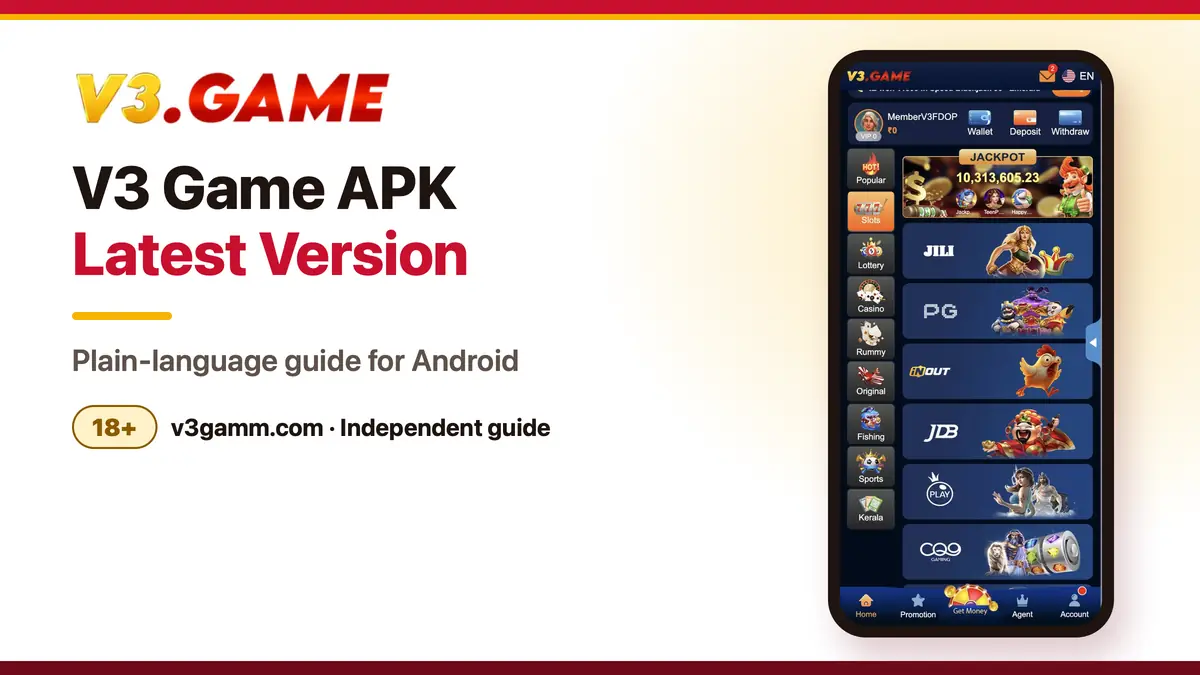
If the app keeps asking you to update, or you just want the newest build, this guide covers the V3 Game APK latest version: what's in it, how to download it, how to update without losing your account, and what to do when the update fails.
Key takeaways
- The V3 Game APK latest version is 2.1.4 (28 MB), updated 20-11-2026.
- Install the new APK over the old one — your account and balance stay on V3 Game's servers.
- Most "App not installed" errors come from low storage, an incomplete download or a second, differently signed copy.
What's new in the V3 Game APK latest version

Here are the details of the current build. Compare them with the file you download — a very different file size is a sign that something is wrong.
| App name | V3 Game |
|---|---|
| Latest version | 2.1.4 |
| File size | 28 MB |
| Requires | Android 6.0 or newer |
| Last updated | 20-11-2026 |
| Price | Free to download |
| Age | 18+ only |
| Type | Real-money gaming app (APK) |
What changed: faster lobby loading, a reorganised Lottery tab (Win Go, K3, 5D and Racing) and fixes for login problems on older Android phones.
To see which version you have now, open Settings → Apps → V3 Game on your phone. The version number is near the bottom of the App info screen.
V3 Game APK latest version download
The latest version comes from the same place as the first install: the Download button on this site. You don't need a different link for updates.
- DownloadTap Download and wait for the file to finish.
- Open the fileTap it in your notifications or the Downloads folder. If you allowed your browser to install apps before, Android goes straight to the install screen.
- Tap UpdateAndroid shows Update instead of Install when an older version is already on your phone.
Avoid "latest version" files posted on file-sharing sites or in Telegram groups. You can't tell whether they've been changed, and modified copies are a common way to steal logins.
How to update without losing your account
Your account, wallet balance and history are stored on V3 Game's servers, not inside the app on your phone. Installing the new APK over the old one keeps everything as it was. A few habits make it smoother:
- Make sure you know your registered mobile number and password before updating, in case the app logs you out.
- Don't use Clear storage or uninstall unless you have to — it simply means logging in again.
- Update on Wi-Fi or a strong mobile signal so the download isn't cut off half-way.
V3 Game APK login latest version: logging in after an update

Some updates log you out. Open the app, tap Login and enter the same number and password as before. If the login fails after an update, close the app completely, open it again and retry. Still stuck? The V3 Game login APK guide covers password resets and verification-code problems.
Is "V3 Game 1 APK" a different app?
People type "V3 Game 1 APK latest version" when they're looking for the V3 Game APK — it isn't a separate product that we know of. The current version is the one listed in the table above. Be careful with any file advertised as a special "1" or "pro" edition: that is a common label for modified copies.
We don't know exactly why the "1" appears in searches. It may come from people typing quickly, or from re-upload sites that number their copies ("V3 Game 1", "V3 Game 2") so they look like different releases. Either way, it doesn't mean a separate build.
To check you have the real thing: the version number in Settings → Apps → V3 Game should match 2.1.4, the file size should match 28 MB, and the app should open on the normal home screen with Login, Register and Wallet at the top. If anything doesn't match, delete it and install from our V3 Game APK download page. Our safety checklist has more checks.
Update troubleshooting
"App not installed" during an update
This usually means the new file is signed differently from the copy on your phone — for example, if your old copy came from another site. Uninstall the old copy, then install the new APK and log in again. Also check you have enough free storage.
"Problem parsing the package"
The download is incomplete or your Android version is older than 6.0. Delete the file and download it again.
The app crashes after updating
Restart your phone. If it still crashes, go to Settings → Apps → V3 Game → Storage and tap Clear cache (not Clear storage). As a last step, uninstall and reinstall — you'll only need to log in again. More fixes are in the V3 Game APK not working guide.
V3 Game APK latest version FAQ
What is the V3 Game APK latest version?
The current version is 2.1.4 (28 MB), updated 20-11-2026.
Is the V3 Game APK latest version download free?
Yes. Updates are free, and you download them from the same link as the first install.
Do I lose my balance when I update?
No. Your account and wallet are stored on V3 Game's servers. Install the update over the old app and log in with the same number and password.
Why does the app keep asking me to update?
When a new version is released, older builds may stop working with the servers. Installing the latest version stops the prompt.
Is "V3 Game 1 APK" a separate app?
Not that we know of. It is a phrase people use when looking for the V3 Game APK. Avoid files labelled as special editions — they are often modified copies.
The V3 Game APK latest version is free and installs over your current copy in under a minute. Get it from the V3 Game APK download page, keep your login details handy, and read the V3 Game APK login old version guide if you're tempted to roll back. As always, play responsibly. Back to the V3 Game home page.


